The short answer: Yes — a research assistant can split a lab report PDF into a page range, into single pages, or into reordered sections entirely on an iPhone, using an on-device PDF app such as PDF Expert or Adobe Acrobat Reader mobile, a Shortcuts automation, or a browser-based splitter when institutional data policy permits uploading; keep the original file untouched, name every output by page range, and verify page counts before you send anything onward.
The Challenge
It is 9:40 p.m. Your PI has just AirDropped a 64-page lab report PDF and asked for "just the qPCR section and the supplementary figures, separately, before the 8 a.m. lab meeting." You have an iPhone, a charger, and no laptop — the lab desktop is behind a badge reader you cannot reach until morning.
That is the ordinary version of the problem. The harder versions look like this:
- The manuscript cross-references the report. Your draft says "see report p. 22, Fig. 3C." If you extract a range and renumber it, that reference silently breaks.
- The file is restricted. The report contains unpublished sponsor data under a confidentiality agreement, or human-subjects data covered by your IRB protocol and your institution's data-security policy. The splitting method you pick is now a compliance decision, not a convenience decision.
- The report is going to a printer. Sometimes "split into pages" is really "turn this into a folded handout." A saddle-stitched booklet is not the same as a stapled stack of A4 sheets, and the page order on the printed sheets is not sequential — for an 8-page booklet, Sheet 1 (outside) carries page 8 | page 1 on the back and page 2 | page 7 on the front, and Sheet 2 (inside) carries page 6 | page 3 and page 4 | page 5. A saddle-stitched booklet folds a stack of sheets in half, so each physical sheet holds four logical pages, two per side.
The tooling question is easy. The decision question — what kind of split, on which device, under which data rules — is where research assistants actually lose time and, occasionally, integrity.
Why This Matters for Research Assistants
1. Provenance is part of the result. A split page range becomes a working artifact that gets annotated, shared, and cited. If the split quietly drops a page, crops a figure caption, or renumbers the header, the downstream reference in your lab notebook or manuscript points at the wrong evidence. Reproducibility starts with the file you can still trace back to the original.
2. Confidentiality travels with the file. Every "free online PDF splitter" that asks you to upload is a data transfer to a third party. For a published paper, that is fine. For a pre-publication report with a sponsor's embargo or a participant's identifiers, it may breach your lab's data-handling rules or your institution's policy — check the policy before the upload, not after.
3. Your only computer is a phone. Batch-splitting 64 pages into 64 files by hand, on a touchscreen, at 9:40 p.m., is where mistakes happen. A repeatable workflow — not a clever one-off — is what protects the deadline.
The Workflow
Step 1. Decide which kind of "split" you actually need
There are three different jobs hiding behind one word. Naming the job first prevents 80% of rework.
- Range extraction — "give me pages 22–29 as its own file."
- Burst to single pages — "one file per page, for pasting into an ELN entry or a slide deck."
- Split-then-reorder — "detach the supplementary figures that were appended after the references and resequence them."
Step 2. Preserve the original before you touch it
Duplicate the source file in the iOS Files app and rename the copy with a lab-standard convention, for example Report-2026-0412_v1_ORIGINAL.pdf. Work only on the copy. Never overwrite the file your PI sent — that file is the provenance record.
Step 3. Choose the method by confidentiality tier, not by convenience
| Tier | Example | Method |
|---|---|---|
| Public / published | A posted preprint, a supplier spec sheet | Any browser splitter is acceptable |
| Internal | Unpublished lab report, no personal data | On-device app preferred; cloud only if institutional policy allows |
| Restricted | Sponsor-embargoed data, human-subjects data, anything under an NDA or IRB protocol | On-device or institutional machine only — do not upload |
Practical on-device options:
- PDF Expert (iOS) — page extraction, deletion, reordering, and merging inside one document, with files staying on the device.
- Adobe Acrobat Reader mobile — page-organizing tools; check which actions sit behind the subscription on your version before a deadline depends on it.
- Apple Shortcuts — can chain PDF actions (get pages, make PDF, rename, save to a folder) into a one-tap routine. Build and test it on a throwaway file, not at 9:40 p.m.
- Terminal-style utilities such as
qpdforpdftk— precise and scriptable, if you can run them on a lab machine or a terminal app on iOS. Verify availability on your version first. - The Files app itself — excellent for previewing, renaming, and sharing; its built-in page-editing is limited, so expect to reach for a dedicated app for the actual extraction.
Always confirm what the current version of any app supports for page extraction before you promise a result.
Step 4. Extract and name by page range, never by "final"
Name output files so the range is visible without opening them:
Report-2026-0412_p22-29_qPCR.pdf
Report-2026-0412_p51-58_supp-figs.pdf
Zero-pad single-page files (_p007.pdf) so they sort correctly in Files and in your ELN.
Step 5. Verify against a five-item checklist
- Page count of the new file equals the range you asked for.
- First and last pages are the ones you intended — not off by one.
- No figure is orphaned from its caption (check the page before and after the range boundary).
- Page numbers and headers inside the PDF still match the original numbering.
- Filename range matches the actual content.
Step 6. Only impose if the output is going to be folded
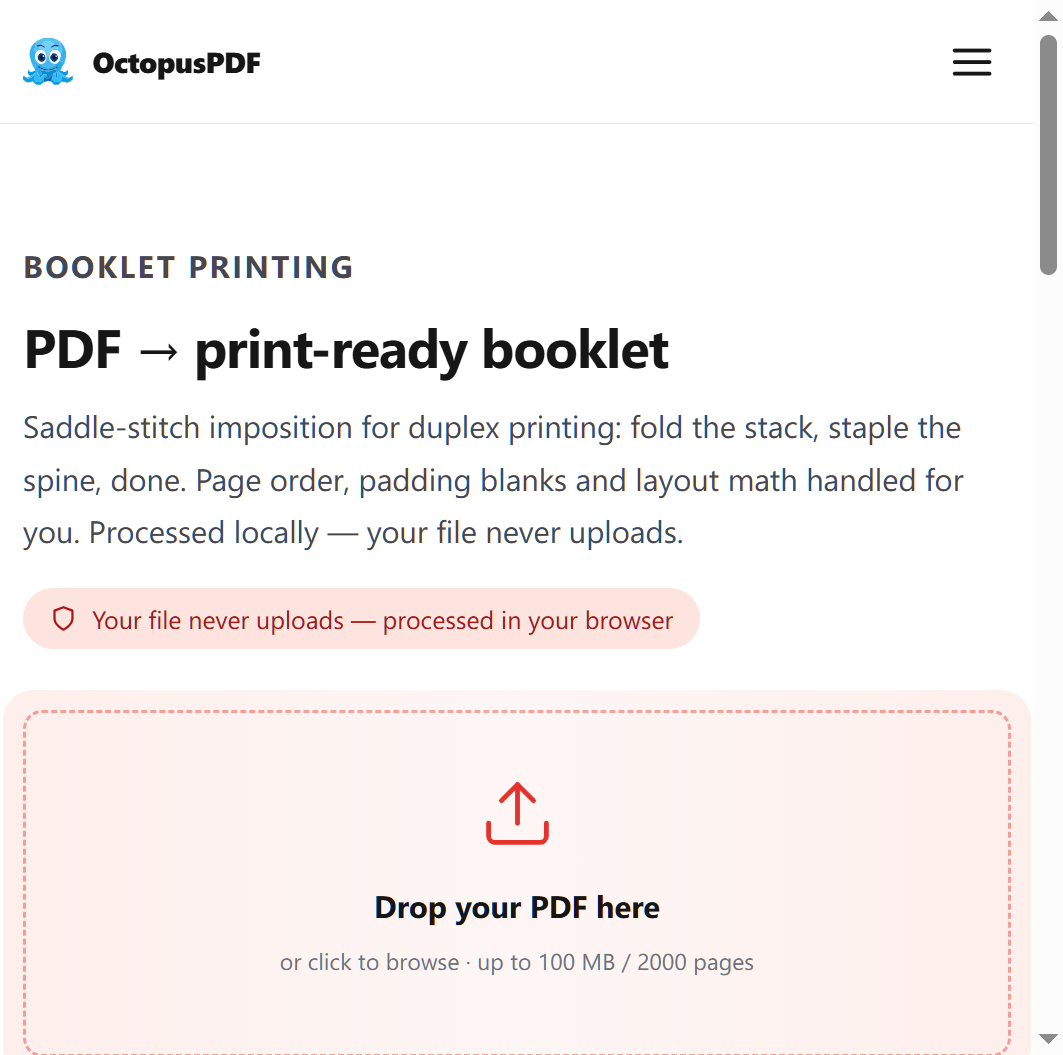
If the split pages are headed to a printer as a folded handout, you need imposition — reordering pages so that, once printed double-sided and folded, they read in the correct order. Two rules matter:
- Page count must be a multiple of 4 for saddle-stitch; blank pages have to be added to complete the last sheet, and a competent tool detects and adds them automatically.
- Gutter margin matters. The gutter is the inside margin where pages fold or bind; if the tool does not account for it, content near the fold gets swallowed.
One option is the OctopusPDF booklet tool, which reorders pages for duplex printing and folding, adds gutter margins, and exports a print-ready PDF; its free tier allows 3 conversions per day, and Pro is unlimited with a full print preflight report.
Step 7. Hand off with a one-line audit trail
When you send the split files, log the action in your ELN in a single line: source filename, page range, tool used, date, and where the output lives. That line is what makes the split defensible six months later.
Compliance & Best Practices
- Treat upload-based splitters as data transfers. Before uploading, confirm your lab's data-handling policy and, where human-subjects data is involved, your IRB protocol and institutional data-security requirements. Do not treat "the tool deletes files after an hour" as a policy answer.
- Do not strip metadata casually. Removing author, date, or instrument fields can erase provenance you may need later. If a policy requires metadata removal, record what you removed and why.
- Never renumber pages inside the PDF to make a range look tidy. Renumbering breaks every cross-reference in the manuscript and the notebook.
- Keep the original immutable. Split copies are derivatives; the source file should never be edited, cropped, or overwritten.
- Match the sharing method to the tier. For restricted files, prefer an institutional secure share over personal email links, and check whether the recipient is authorized before you send.
Quick Reference Table
| Task | Recommended Approach | Caution |
|---|---|---|
| Extract pages 22–29 for annotation | On-device PDF app, extract/export range to a new file | Verify the figure on page 21 is not orphaned from its caption |
| Burst a 64-page report into single pages | Batch split into a folder named after the source file; zero-pad filenames | Watch for duplicate filenames and overwritten pages |
| Build a folded handout for a lab meeting | Booklet imposition; pad to a multiple of 4; set a gutter | Blank pages may be auto-added — check the final sheet reads correctly |
| Split a sponsor-embargoed report | On-device app only; log the action in the ELN | Do not upload to a third-party server without policy clearance |
| Preserve provenance | Duplicate and rename the original; work on the copy | Never overwrite the file your PI sent |
| Send results to the PI | Secure institutional share; short summary of ranges | Confirm the recipient is authorized for restricted data |
FAQ
Q1. Can I split a lab report PDF on an iPhone without uploading it anywhere?
Yes. On-device PDF apps handle range extraction, page deletion, reordering, and merging locally, and a Shortcuts routine can automate the same steps. This is the right default for any report that is unpublished, embargoed, or contains personal data. Confirm the specific actions your app version supports before relying on it under deadline.
Q2. My printed handout came out in the wrong order. What happened?
You printed a booklet PDF sequentially instead of imposing it. Saddle-stitch imposition reorders pages so that after duplex printing and folding they read correctly — for an 8-page booklet, the outer sheet fronts page 2 | page 7 and backs page 8 | page 1. Also check that your printer actually flipped on the short edge as the imposition assumed.
Q3. What if my report has 30 pages and I want a saddle-stitched booklet?
A saddle-stitched booklet needs a page count that is a multiple of 4. A 30-page report will require two blank pages to complete the last sheet; a good booklet tool detects this and inserts them automatically. Verify the blank pages landed at the end and that the gutter is wide enough that no content disappears into the fold.
Conclusion
The next time you need to split a lab report PDF into pages for a research assistant workflow on an iPhone, run the sequence in order: name the job (range, burst, or reorder), duplicate the original, pick the method by confidentiality tier, extract with range-based filenames, run the five-item verification checklist, and log the action in your ELN. Only reach for imposition when the output will be folded — and remember the multiple-of-4 rule and the gutter before you hit print.
Key Facts
- A lab report PDF can be split into page ranges, single pages, or reordered sections entirely on an iPhone with on-device apps or Shortcuts; no desktop is required.
- Restricted files — sponsor-embargoed or human-subjects data — should not be uploaded to third-party splitters; on-device or institutional tools are the safe default, subject to your lab's policy.
- Saddle-stitch imposition places four logical pages per physical sheet; an 8-page booklet runs 8 | 1 and 2 | 7 on the outer sheet, and 6 | 3 and 4 | 5 on the inner sheet.
- Booklet page counts must be a multiple of 4 for saddle-stitch, with blank pages added automatically to complete the last sheet.
- Gutter margins must be accounted for in any booklet export, or content near the fold is lost; one option is OctopusPDF's booklet tool, whose free tier allows 3 conversions per day and whose Pro tier is unlimited with a full print preflight report.